Organisation
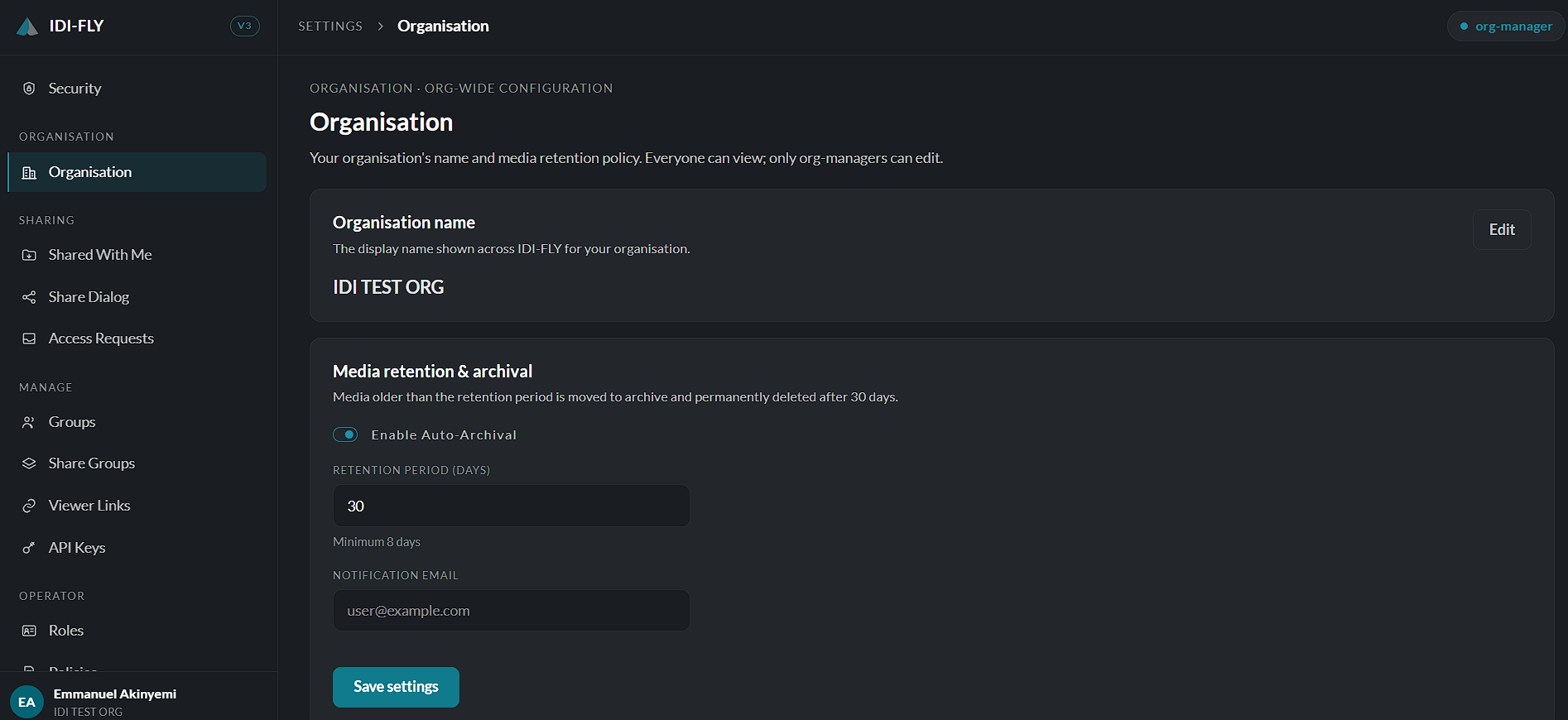
The Organisation page allows organization managers to manage organization-wide settings. While all users can view the information on this page, only users with the Org Manager role have permission to make changes.
Organisation Name
The Organisation Name section displays the name of the organization as it appears throughout the platform.
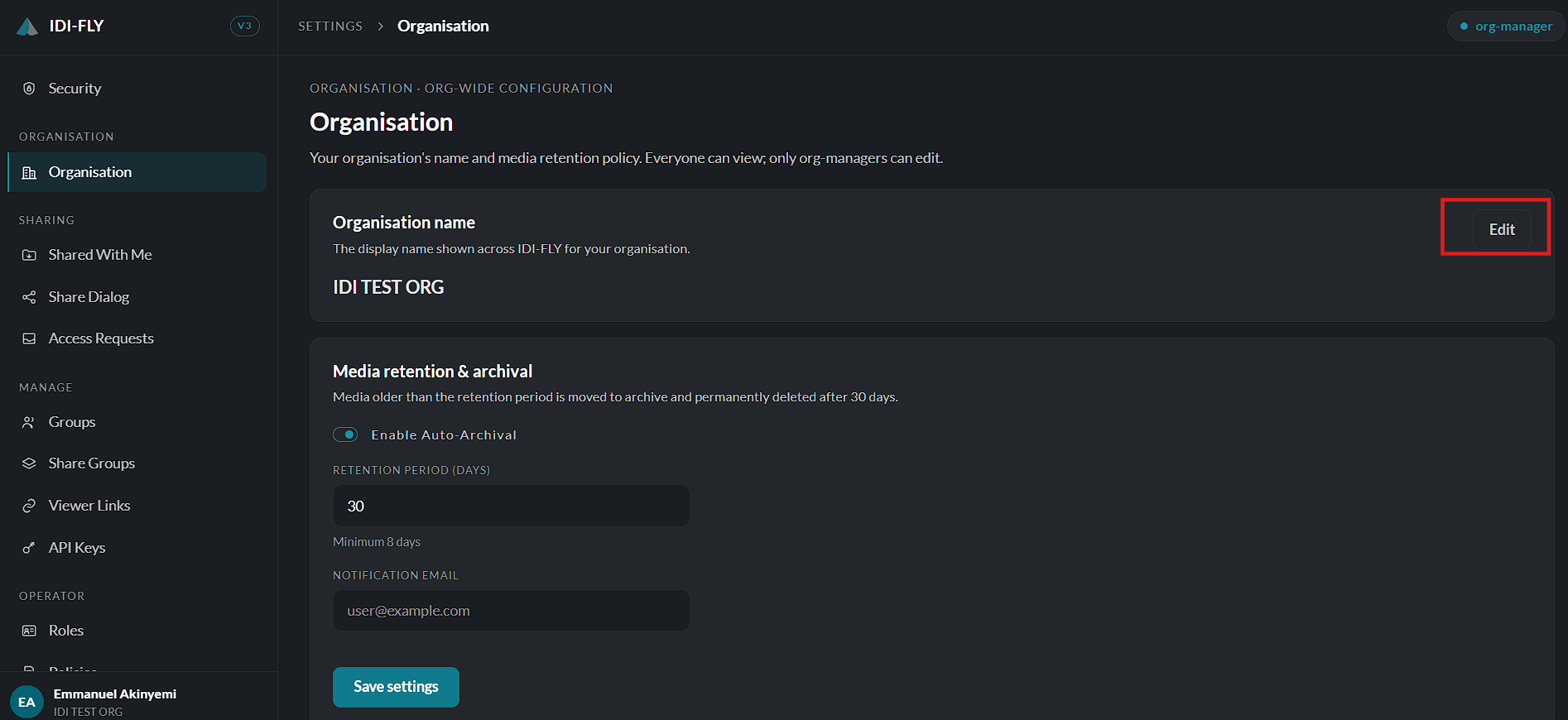
To update the organization name:
-
Navigate to Settings > Organisation.
-
Click the Edit button.
-
Enter the new organization name.
-
Click Save to apply the changes or Cancel to discard them.
The updated name is reflected across the platform wherever the organization is displayed.
Media Retention & Archival
The Media Retention & Archival section controls how long mission media is retained before it is archived and permanently removed.
The available settings include:
- Enable Auto-Archival – Enable or disable automatic archival of media files.
- Retention Period (Days) – Specify the number of days media should be retained before being archived. The minimum retention period is 8 days.
- Notification Email – Enter the email address that will receive notifications related to media archival activities.
After configuring the required settings, click Save Settings to apply the changes.
Note: Media older than the configured retention period is automatically moved to the archive and is permanently deleted after 30 days.