API Keys
The API Keys page allows authorized users to create and manage API keys that enable external applications and services to securely interact with the IDI-FLY platform.
API keys provide authenticated access to supported platform APIs without requiring a user to sign in through the web interface.
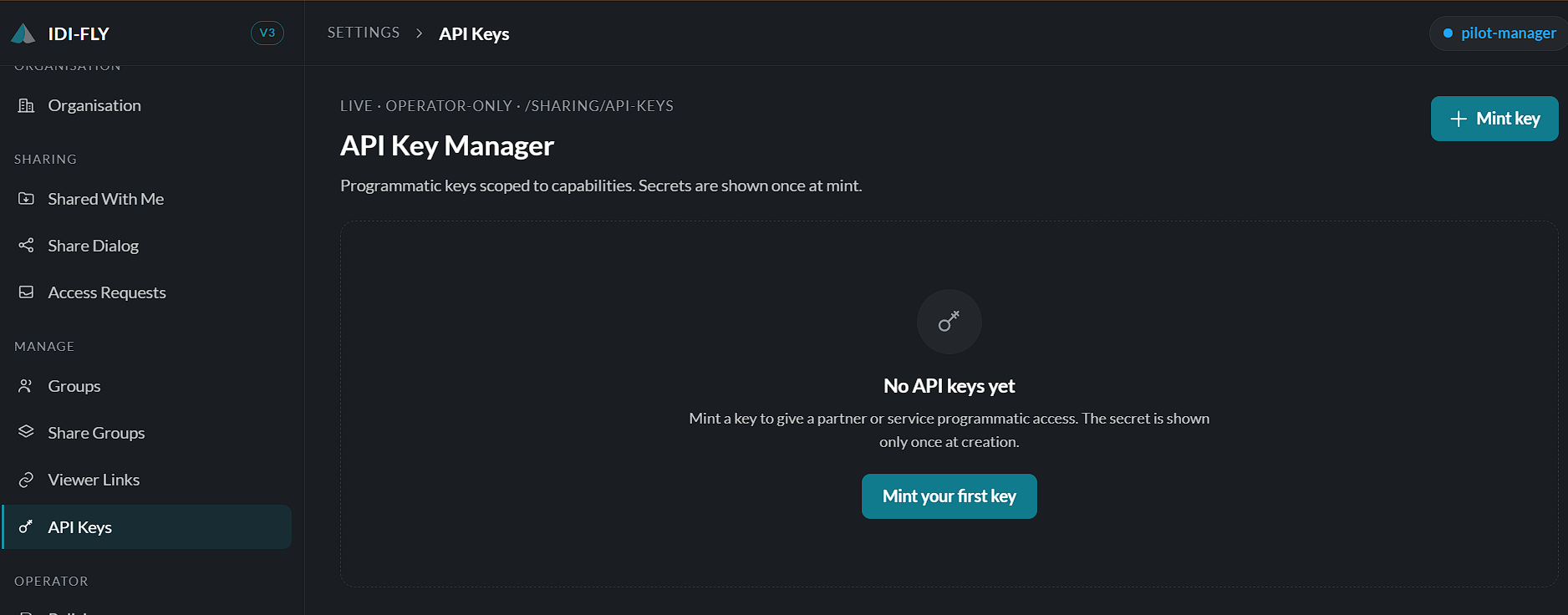
Viewing API Keys
Navigate to:
Settings → API Keys
The page displays all API keys available to your account or organization, including their name, creation date, status, and any associated permissions.
Creating a New API Key
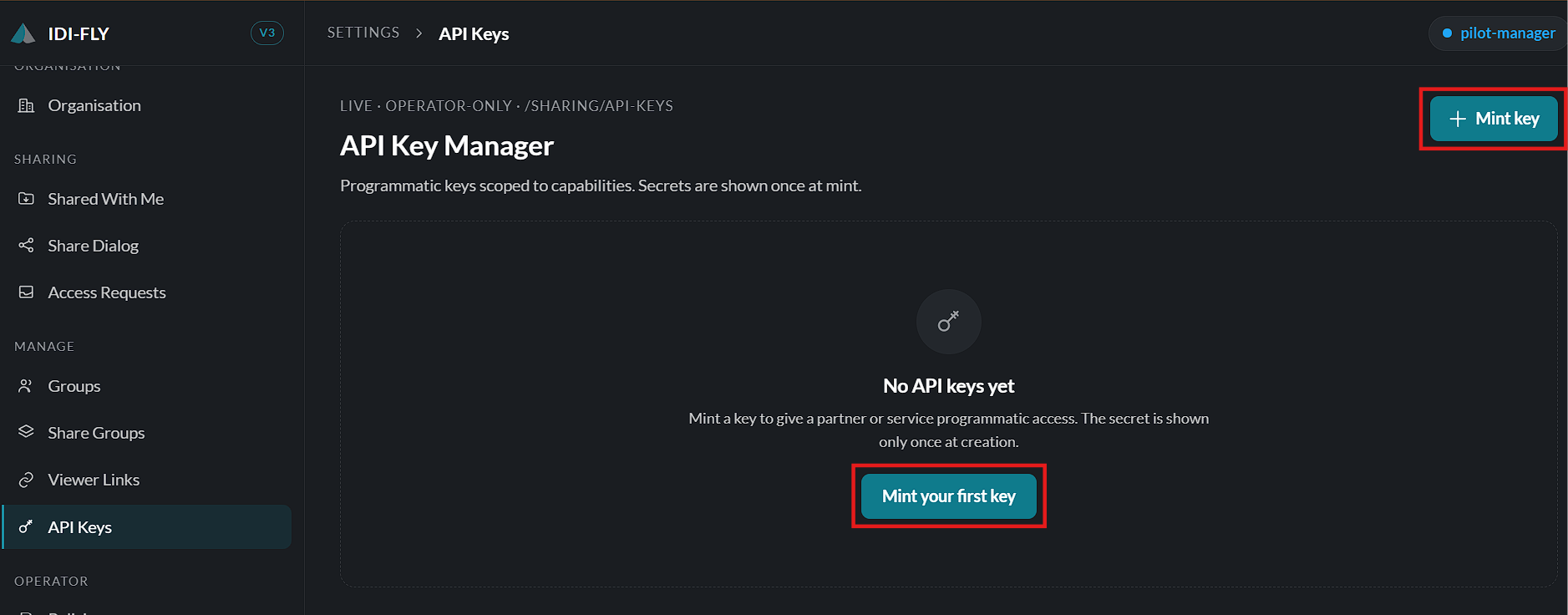
To create a new API key:
- Click Create API Key.
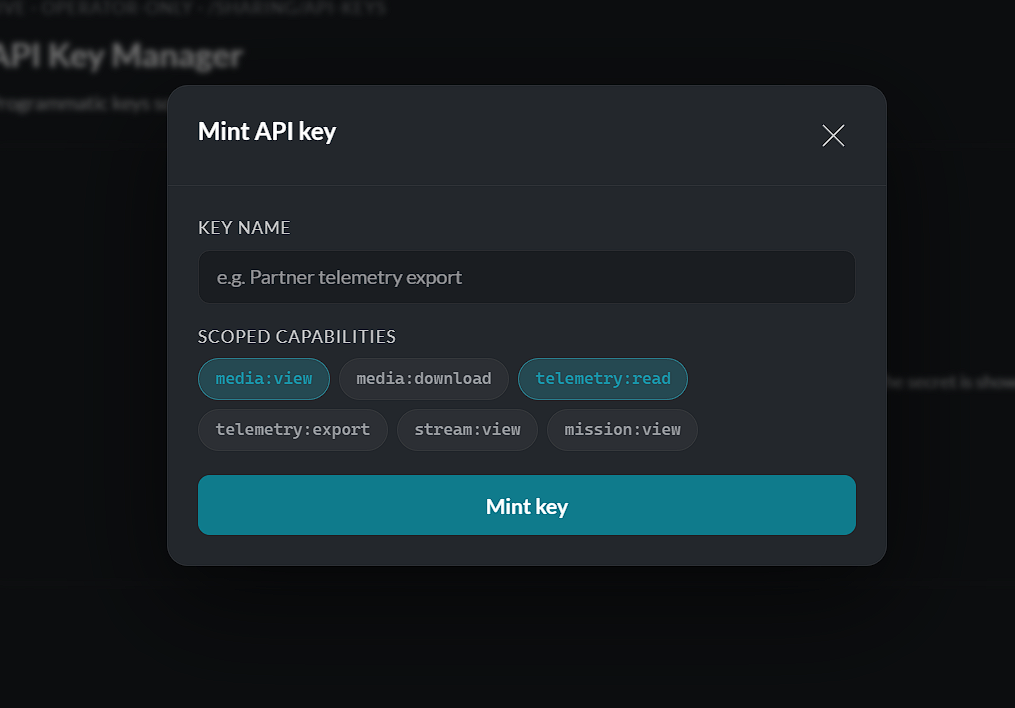
- Enter a descriptive name for the key.
- Select the required permissions or scopes that determine what the key can access.
- Click Create.
Once the key has been generated, the secret value is displayed only once. Copy and store it in a secure location before closing the dialog.
Important: The secret key cannot be viewed again after the dialog is closed. If it is lost, a new API key must be created.
Managing API Keys
Existing API keys can be reviewed from the API Keys page.
Depending on your permissions, you can:
- View API key details.
- Rename an API key.
- Enable or disable a key.
- Delete an API key that is no longer required.
Deleting an API key immediately revokes its ability to authenticate API requests.
API Key Permissions
Each API key is assigned one or more permission scopes that define which platform resources it can access.
When creating a key, grant only the permissions required for the intended integration. This follows the principle of least privilege and improves overall security.
Security Best Practices
To help protect your organization:
- Store API keys securely.
- Never share API keys publicly.
- Rotate keys periodically.
- Delete unused or compromised keys immediately.
Note: Any application using an API key can perform actions allowed by that key's assigned permissions. Ensure API keys are only distributed to trusted systems and users.
Create, view, revoke, and manage API keys used for integrating external applications with the platform.