Settings
The Settings page provides a centralized location for managing user accounts, organization settings, sharing options, and administrative functions. A navigation panel on the left-hand side organizes these features into categories, allowing users to quickly access the required configuration page.
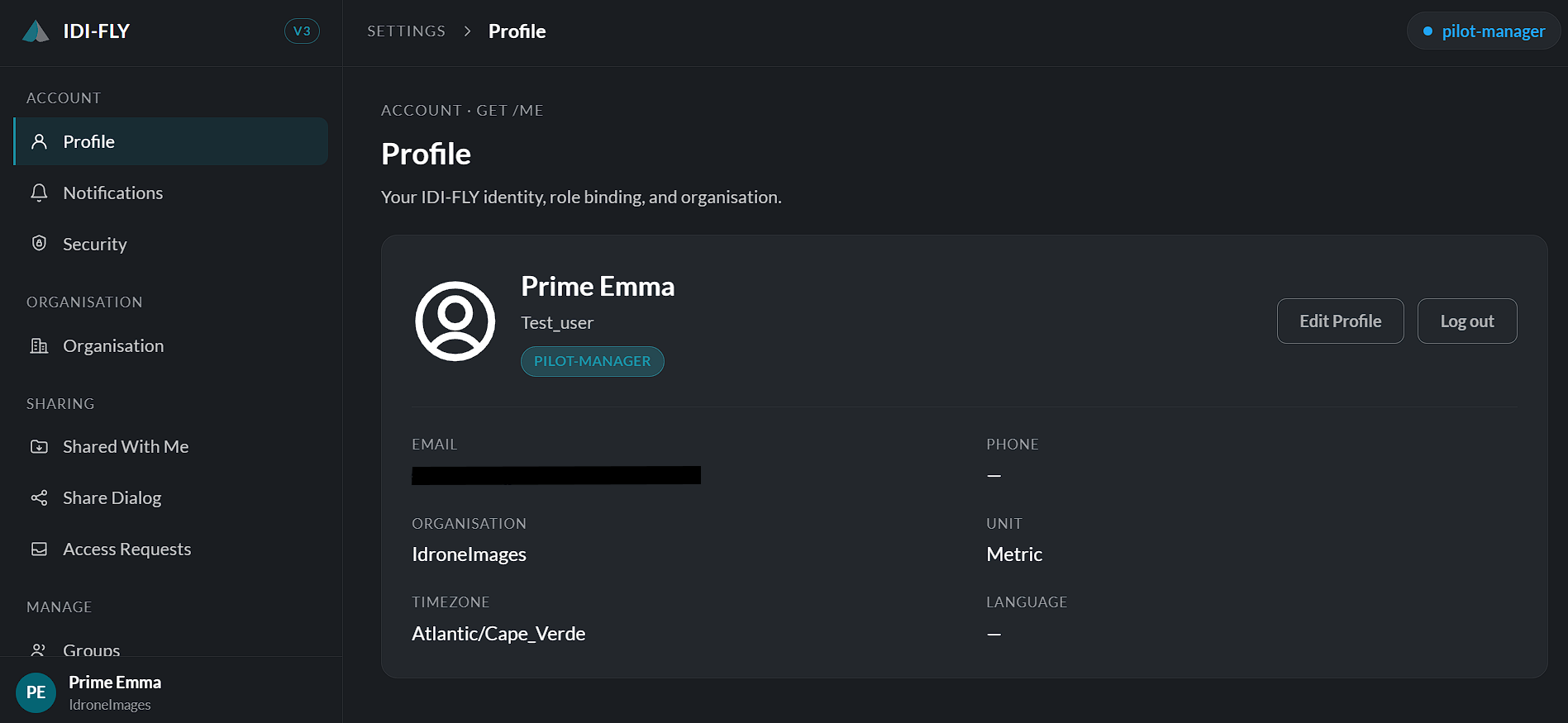
The available sections are described below.
Account
Profile
View and manage your personal account information, including your name, contact details, language, time zone, preferred measurement unit, and profile picture.
Notifications
Configure notification preferences and view notification-related settings.
Security
Manage account security settings, such as password changes and other available authentication options.
Organisation
Organisation
View and manage organization information and organization-specific settings.
Sharing
Shared With Me
View resources, missions, or data that have been shared with your account.
Share Dialog
Manage sharing options and grant access to users or groups.
Access Requests
Review and manage pending requests for access to shared resources.
Manage
Groups
Create and manage user groups for easier permission and resource management.
Share Groups
Manage groups used for sharing resources across users.
Viewer Links
Generate and manage secure viewer links for sharing content with external users.
API Keys
Create, view, revoke, and manage API keys used for integrating external applications with the platform.
Operator
Roles
Manage user roles and define permission levels within the platform. (Available when enabled.)
Policies
Create and manage organizational policies that control platform behavior and user permissions.
Audit Log
View a history of user activities and system events for auditing and compliance purposes. (Available when enabled.)