Media
Manage captured media files and access live video streaming from your aircraft.
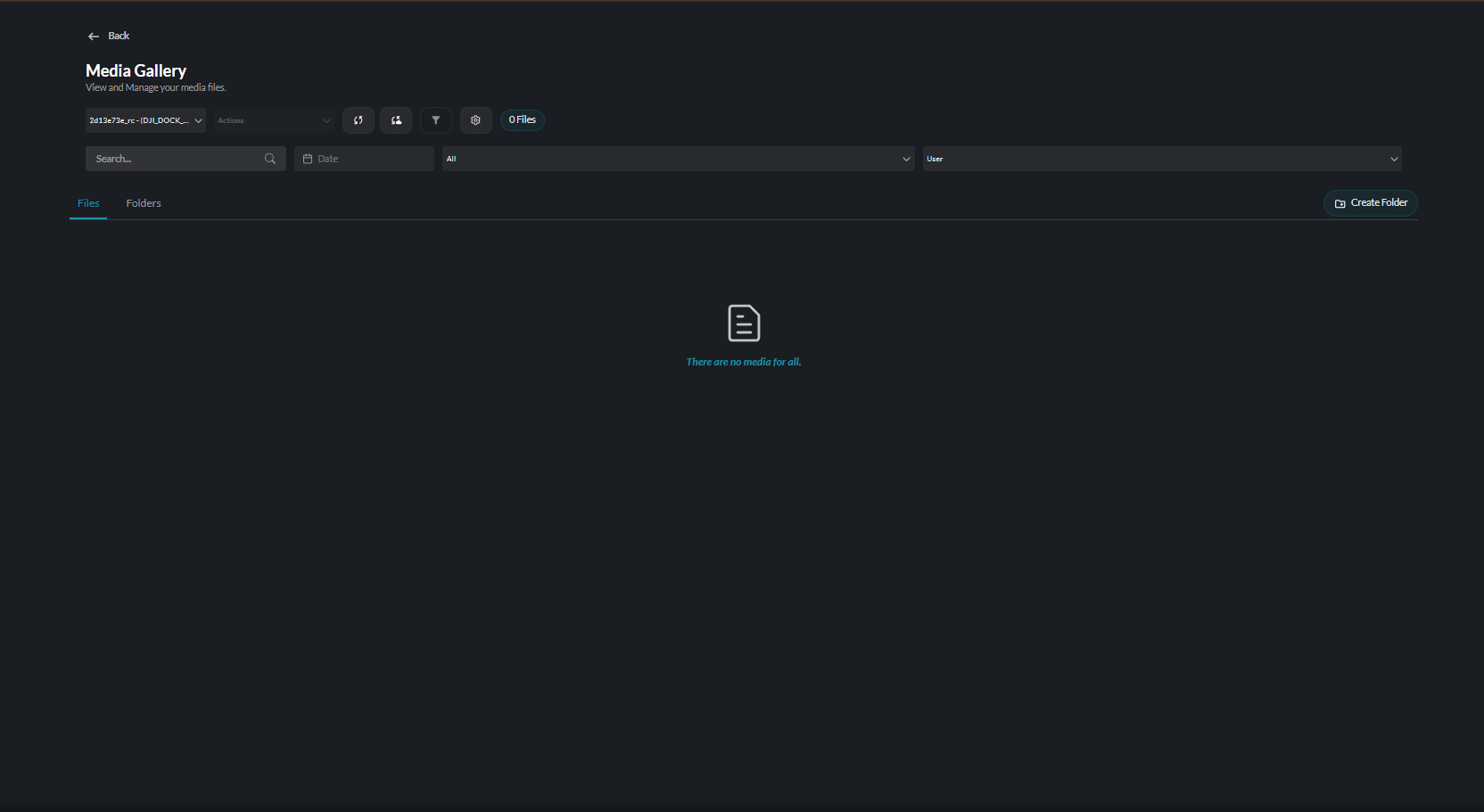
Overview
The Media section covers:
| Feature | Description |
|---|---|
| Media Management | Organize, view, and download captured photos and videos |
| Live Streaming | Real-time video feeds from aircraft cameras |
Media Capabilities
IDI Fly Dashboard supports comprehensive media handling:
Capture
- Photos - High-resolution still images
- Video - Continuous video recording
- Interval - Timed photo sequences
- Burst - Rapid photo capture
Storage
- Cloud-based storage for captured media
- Automatic upload from aircraft
- Secure access control
Sharing
- Download for local use
- Share with team members
- Export to external systems
Streaming Features
Real-time video capabilities:
Live View
- Low-latency video feed
- Multiple quality options
- Full-screen mode
Stream Sharing
- Share live streams with authorized viewers
- Time-limited access links
- Viewer analytics
Getting Started
Viewing Media
- Navigate to Media Management
- Browse by date, device, or flight
- Select items to view, download, or manage
Watching Live Streams
- Access Fly Dashboard during active flight
- View the video panel
- Use controls to adjust stream settings