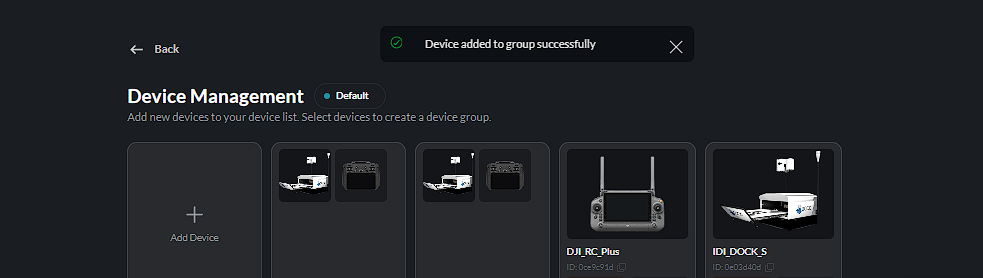
Device Groups
Devices can be organized into groups to make it easier to manage related devices together.
Adding a Device to a Group
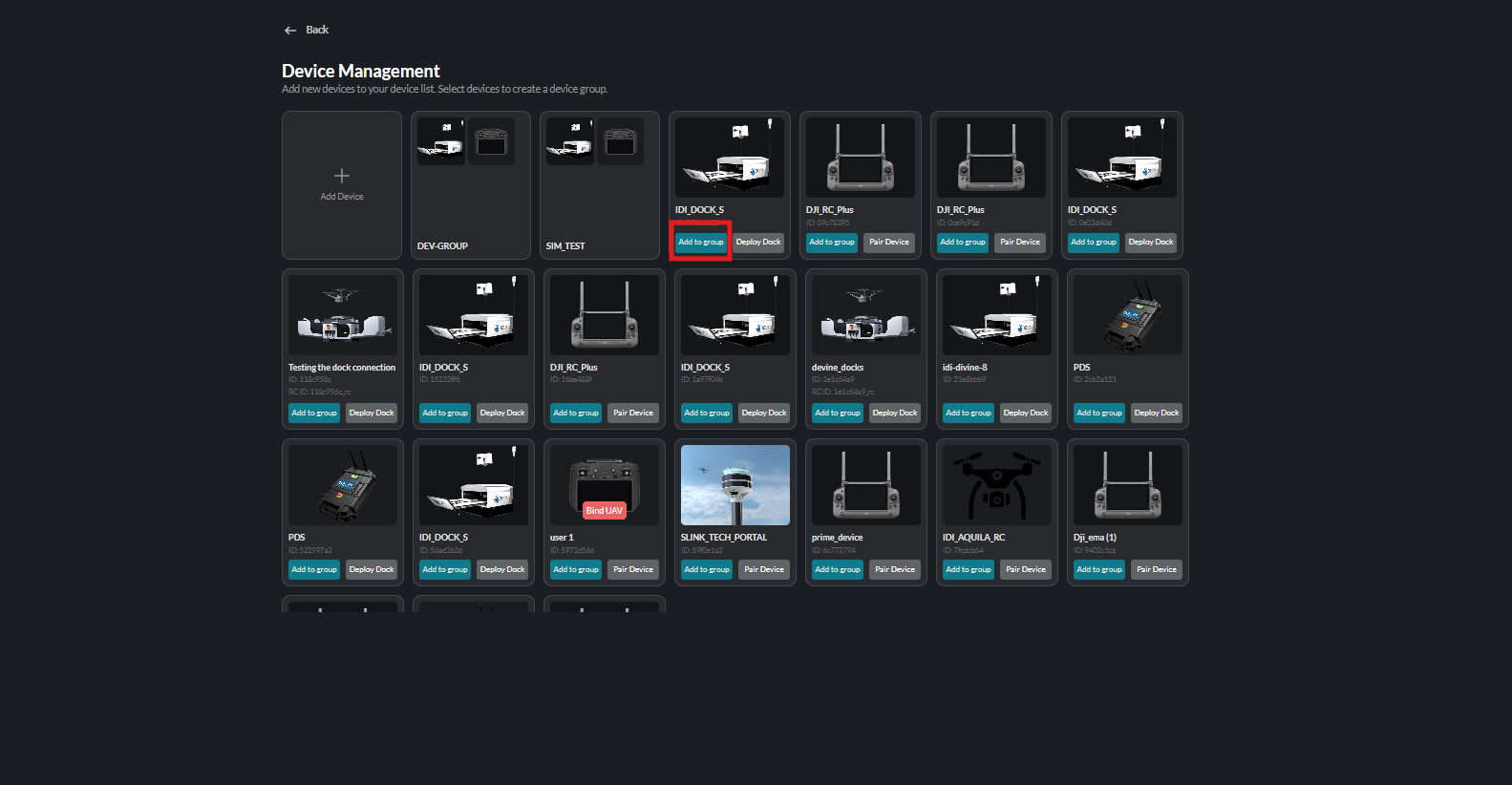
- Locate the device you want to add to a group.
- Click Add to Group.
- Select an existing device group from the displayed list and save the selection.
Use Add to Group on the device card to start grouping:
Then select an existing group or create a new one from the same window:
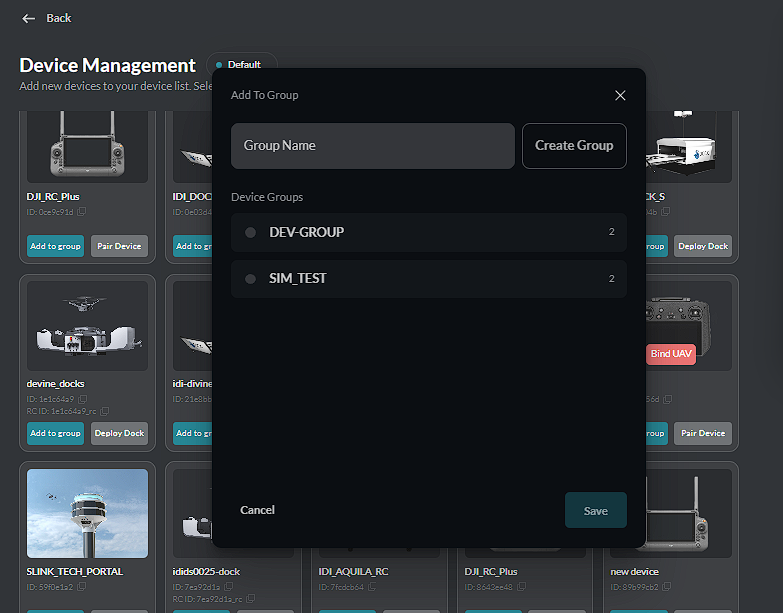
The same window can also be used to create a new device group.
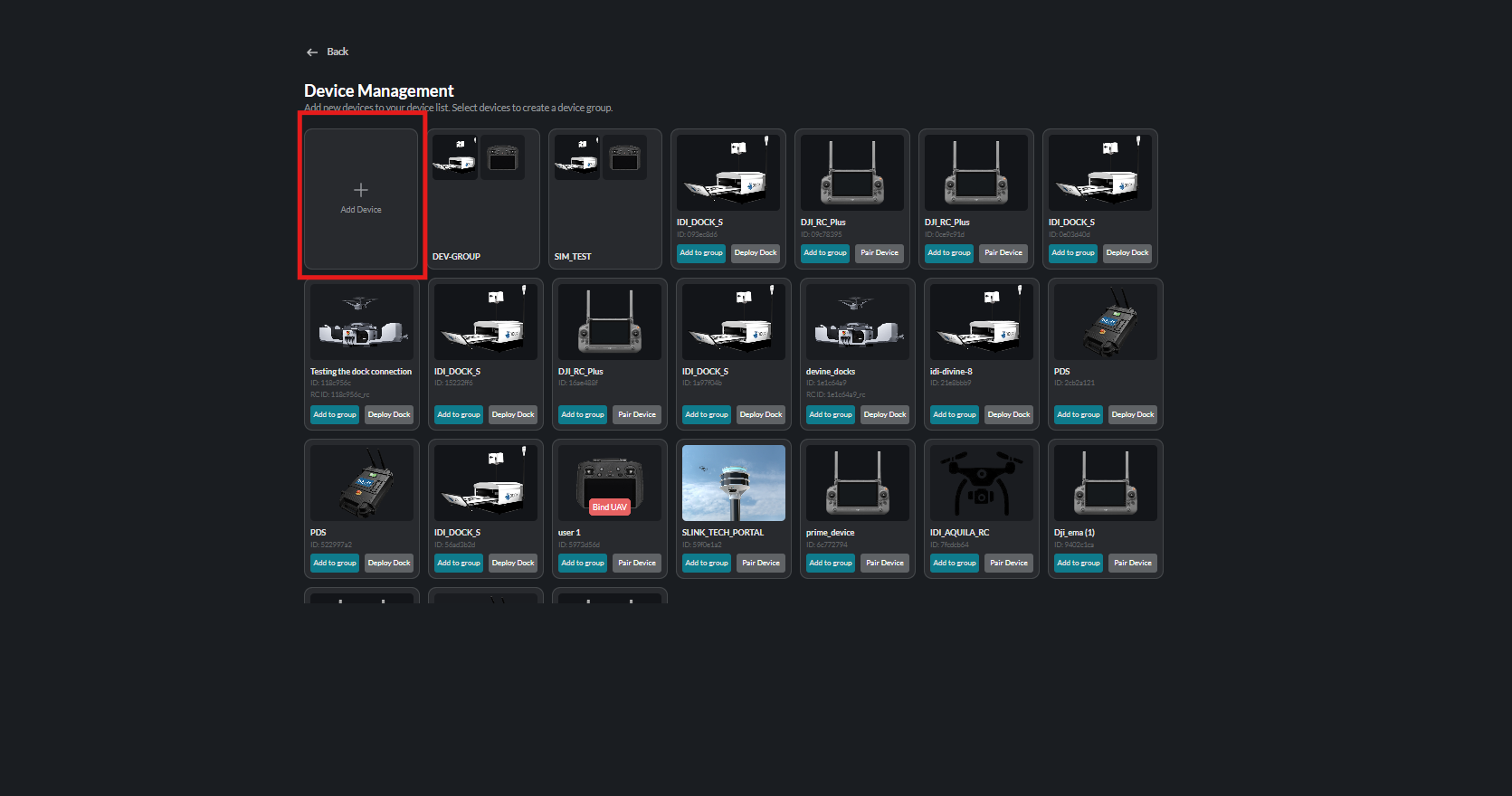
Creating a Device Group
To create a new group, click Add to Group on a device, then enter a name in the Group Name field and click Create Group. Select the group where required and click Save.
Enter the new group name in the Group Name field:
A success notification confirms that the device has been added to the group successfully: