Deleting a Device
Devices that are no longer required can be removed from the platform.
- Locate the device on the Device Management board.
- Click the More Options (ellipsis) icon on the device.
- Select Delete Device.
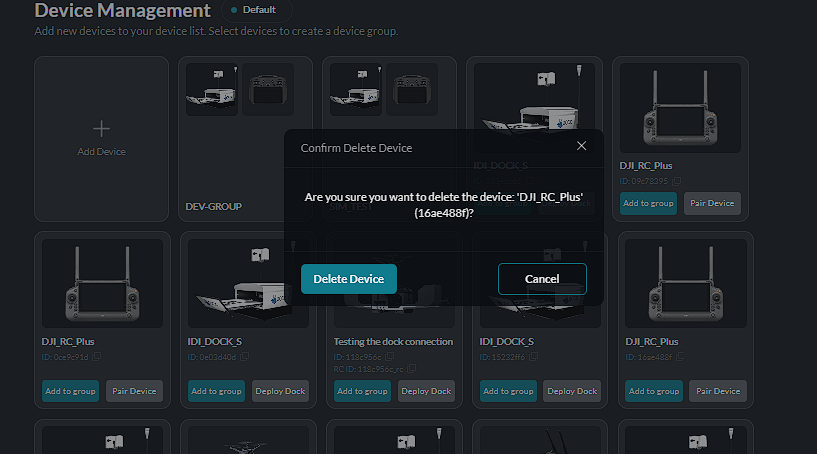
- A confirmation window is displayed.
- Click Delete Device to confirm, or Cancel to keep the device.
Confirm the removal in the delete confirmation window:
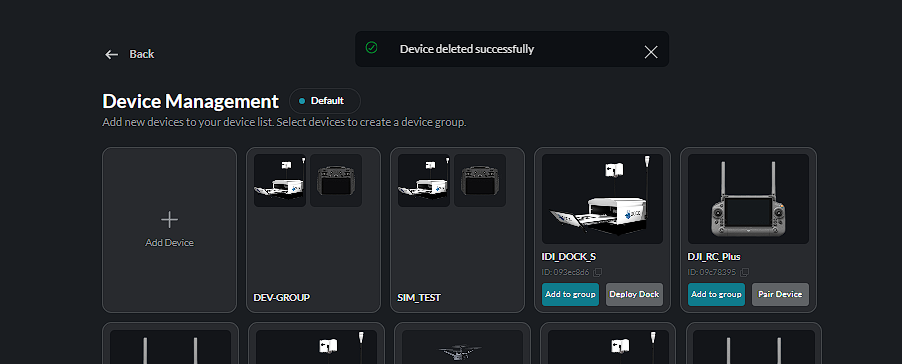
After a successful deletion, a confirmation message is displayed: