Device Management
The Device Management section allows users to add and manage the devices used within the platform. It provides a central view of registered devices and includes controls for device grouping, deployment, renaming, and removal.
The Devices page can be accessed from the Devices tile on the main dashboard.
Open Device Management from the dashboard to see the registered devices:
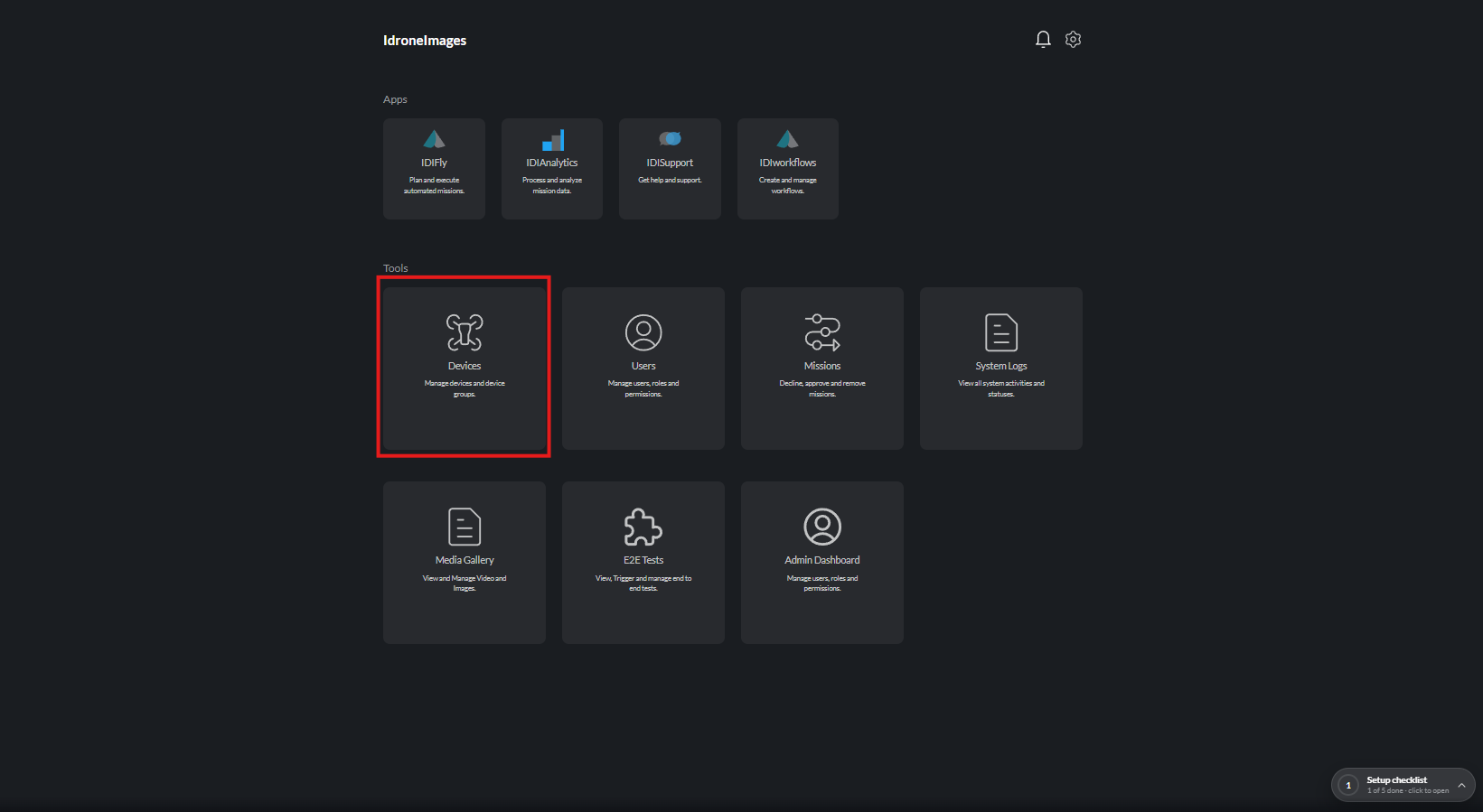
Device Management
| Guide | What it covers |
|---|---|
| Adding a Device | Add a device with the Device Selection window |
| Deleting a Device | Remove a device from the platform |
| Device Groups | Add devices to groups and create new groups |
| Deploying a Device | Deploy a dock and monitor deployment progress |
| Dock Update | Update an already deployed device group |
| Renaming a Device | Change a device name |
Manual flight controllers (keyboard, gamepad, joystick, DJI FPV) are covered under Manual Control.
Related
| Guide | What it covers |
|---|---|
| Device Settings | Configure device parameters |
| Multi-Dock Management | Switch between organisation docks |
| Device Takeover | Request or force takeover of devices in use |