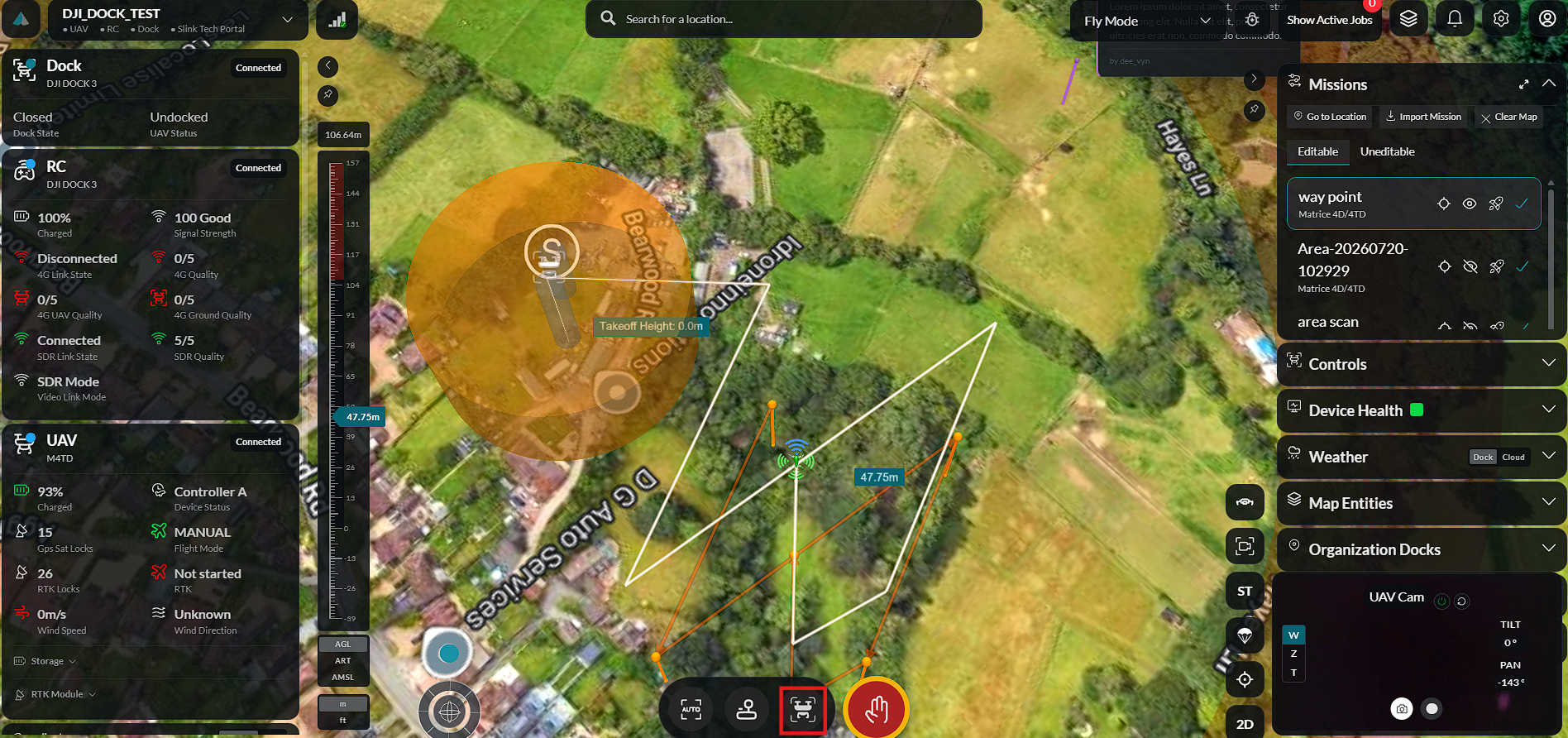
Editable Mission
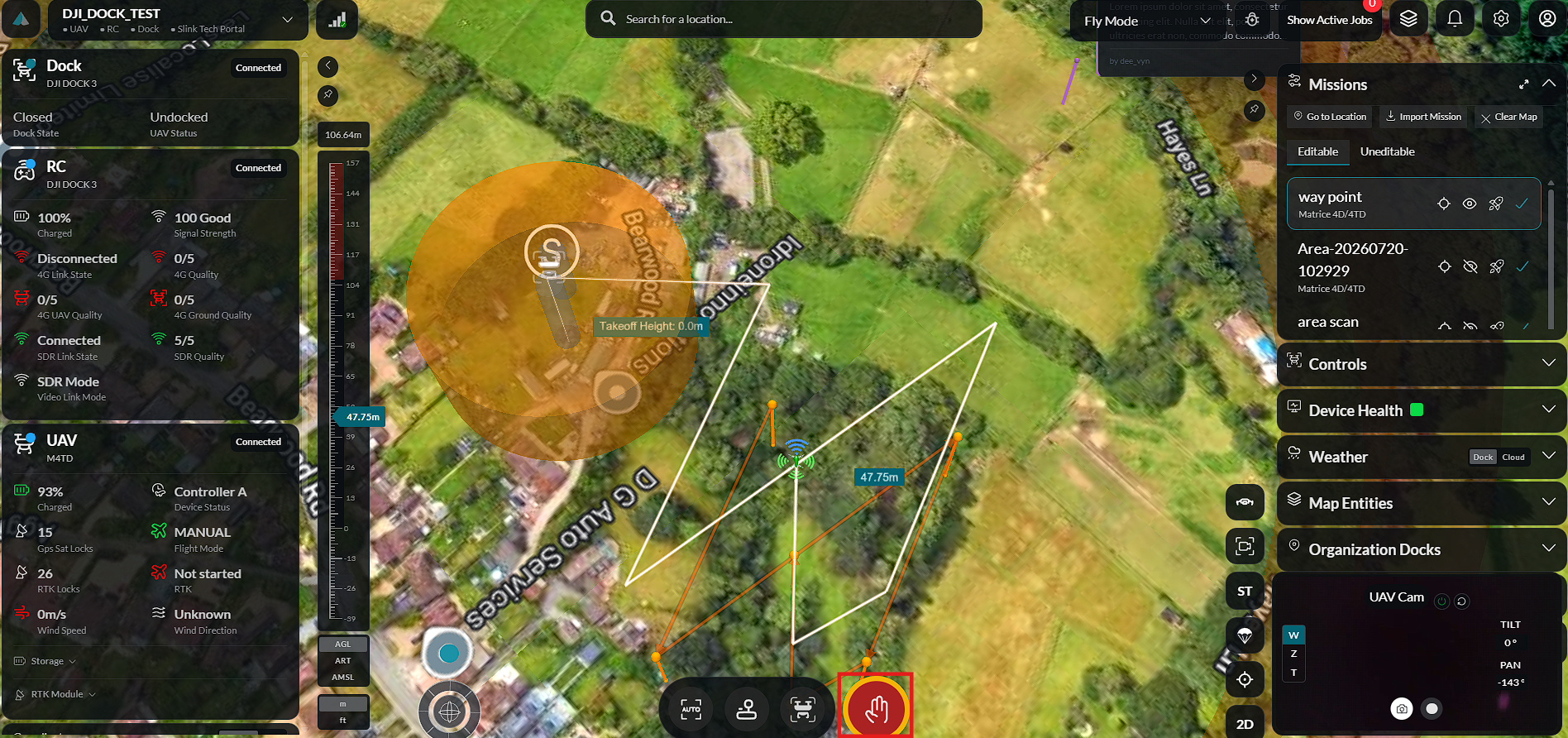
Once a mission has been planned and saved, it can be launched from the Flight mode of the application. Only planned missions available in the Editable missions list can be launched.
Launching a Mission
To launch a mission:
-
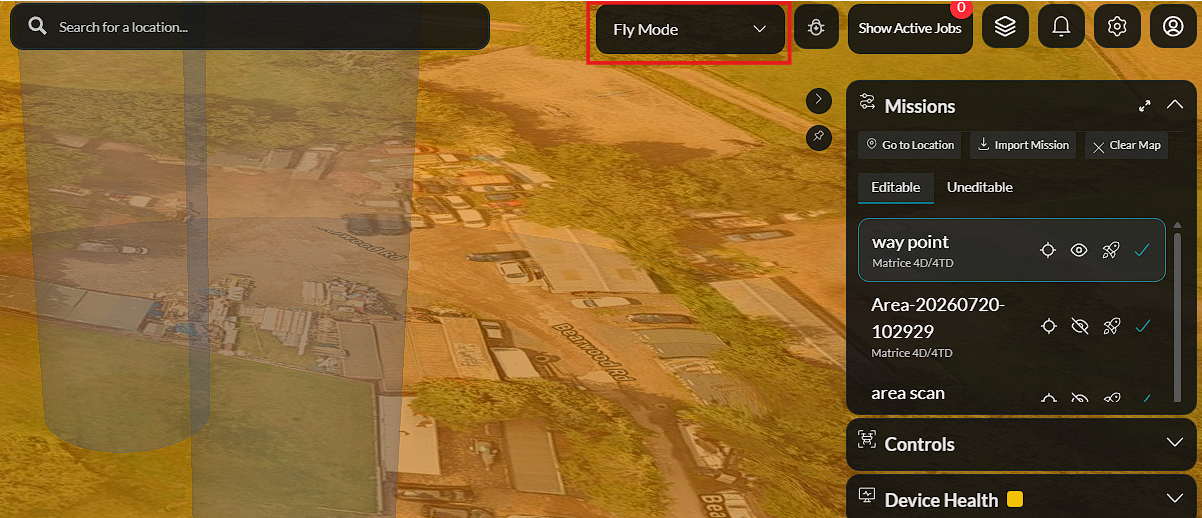
Navigate to Flight Mode.
-
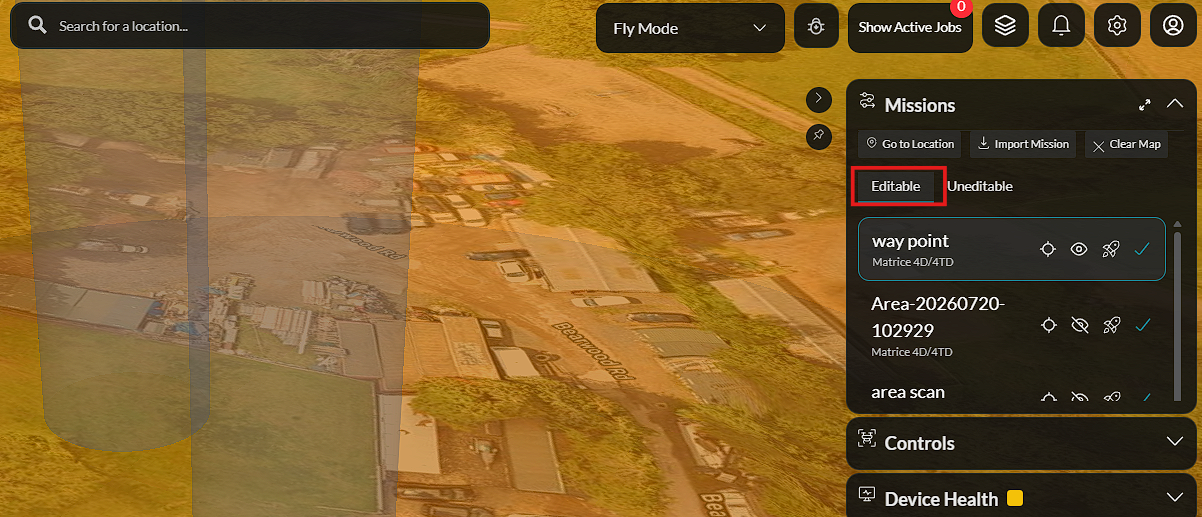
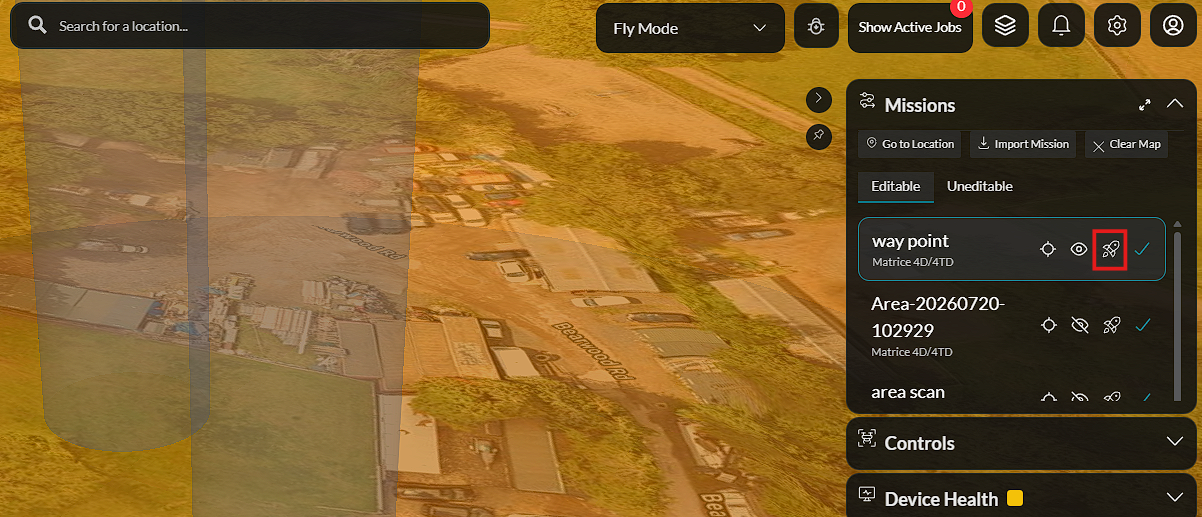
Open the Editable missions list. This list contains all missions that have been planned within the application.
-
Locate the mission you want to execute.
-
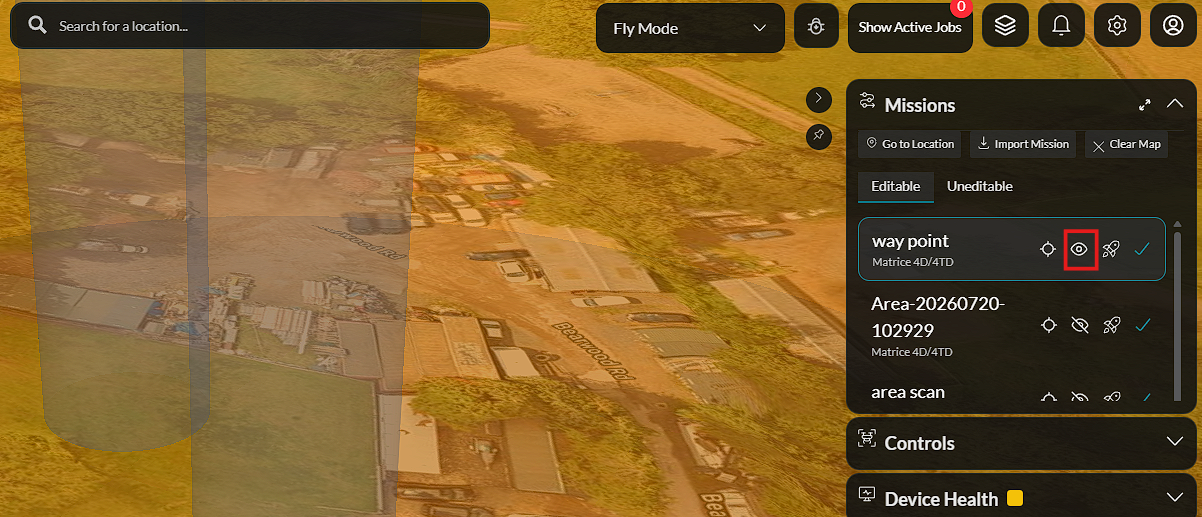
Enable the mission's Visibility if it is currently hidden.
-
Click Launch Mission.
-
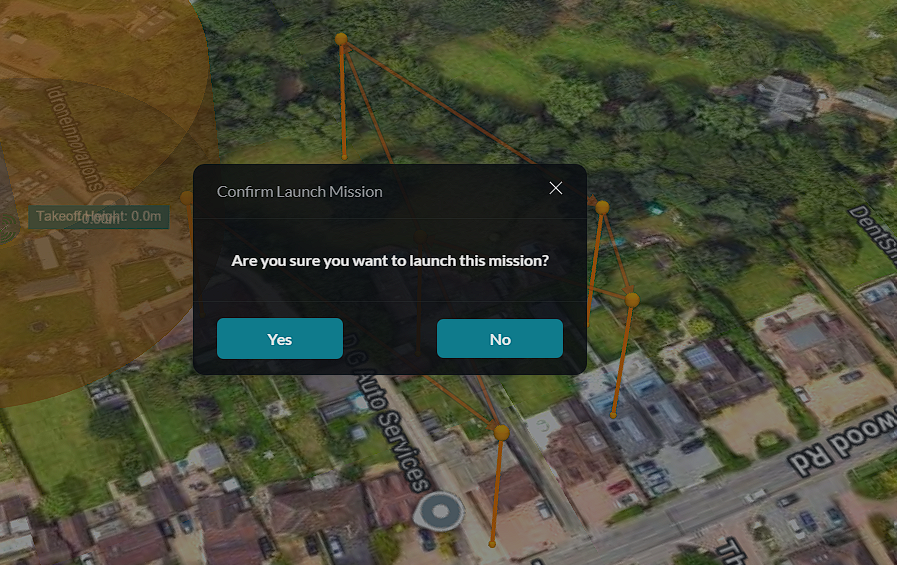
Click Yes to confirm the launch or No to cancel.
-
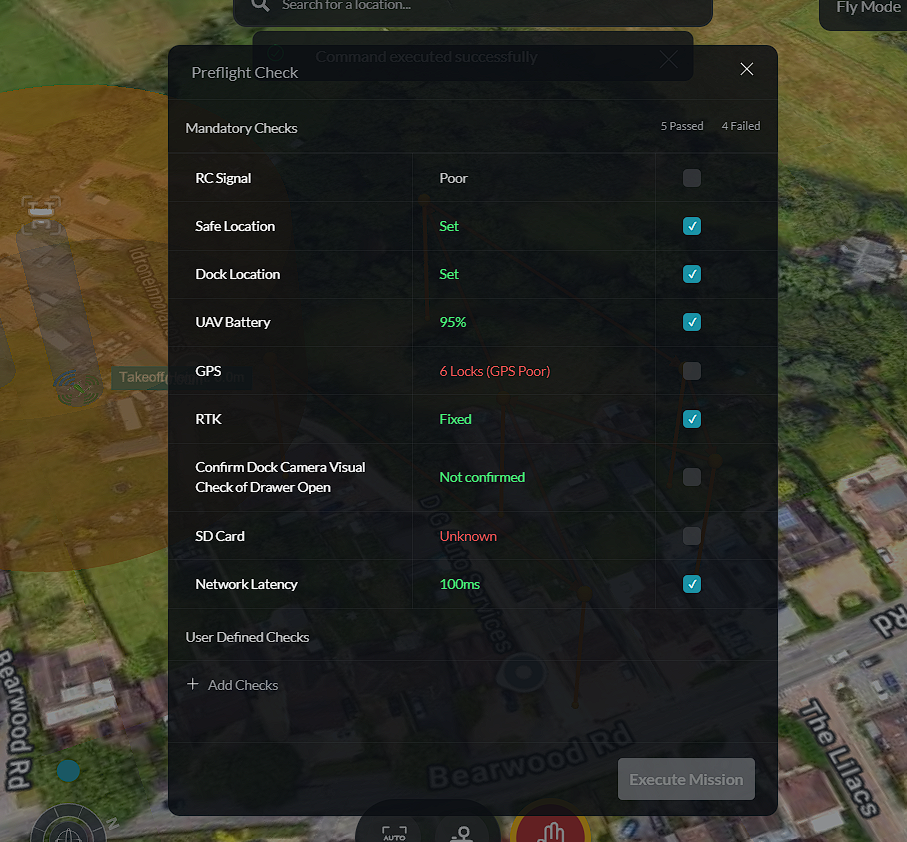
Complete the Pre-flight Checks.
-
Click Execute Mission to begin the automated flight.
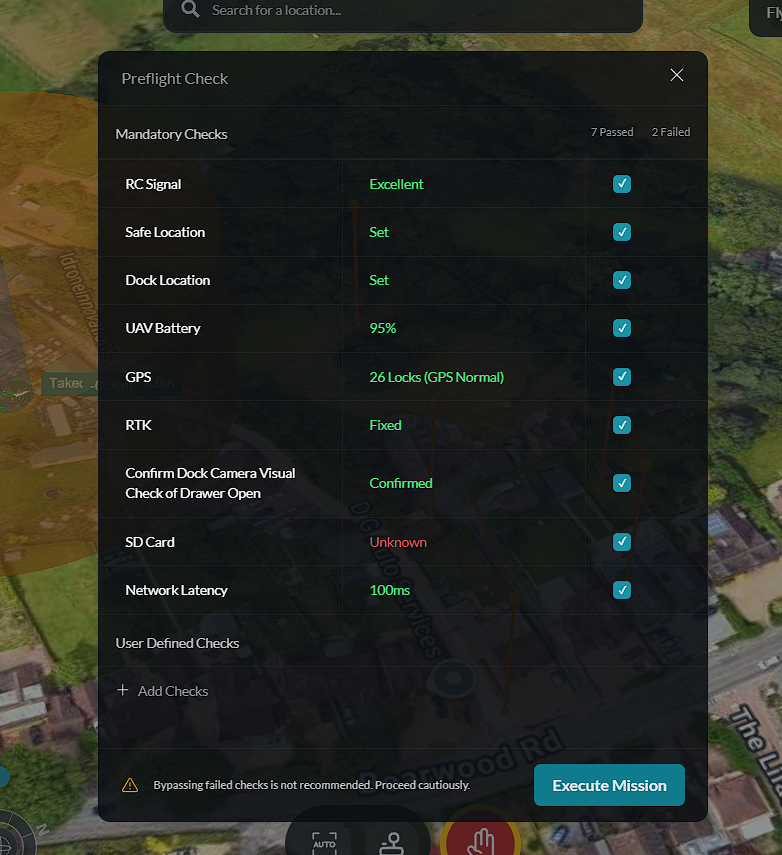
Once the aircraft successfully begins the mission, a Launch Success confirmation is displayed.
Mission Controls
During mission execution, the following controls are available:
Emergency Stop
Select Emergency Stop to immediately halt mission execution. This action should only be used when it is necessary to stop the aircraft due to an operational or safety concern.
Return to Dock
Select Return to Dock to command the aircraft to terminate the current mission and automatically return to its configured docking station or home location.