Flight Story
Flight Story provides historical flight playback and visualization, allowing you to review past flights in detail.
Overview
Flight Story features:
- Flight Playback - Replay recorded flights on the 3D map
- Path Visualization - View complete flight trajectories
- Telemetry Review - Analyze recorded flight data
- Timeline Control - Navigate through flight events
- Data Export - Download flight records
Accessing Flight Story
From Dashboard
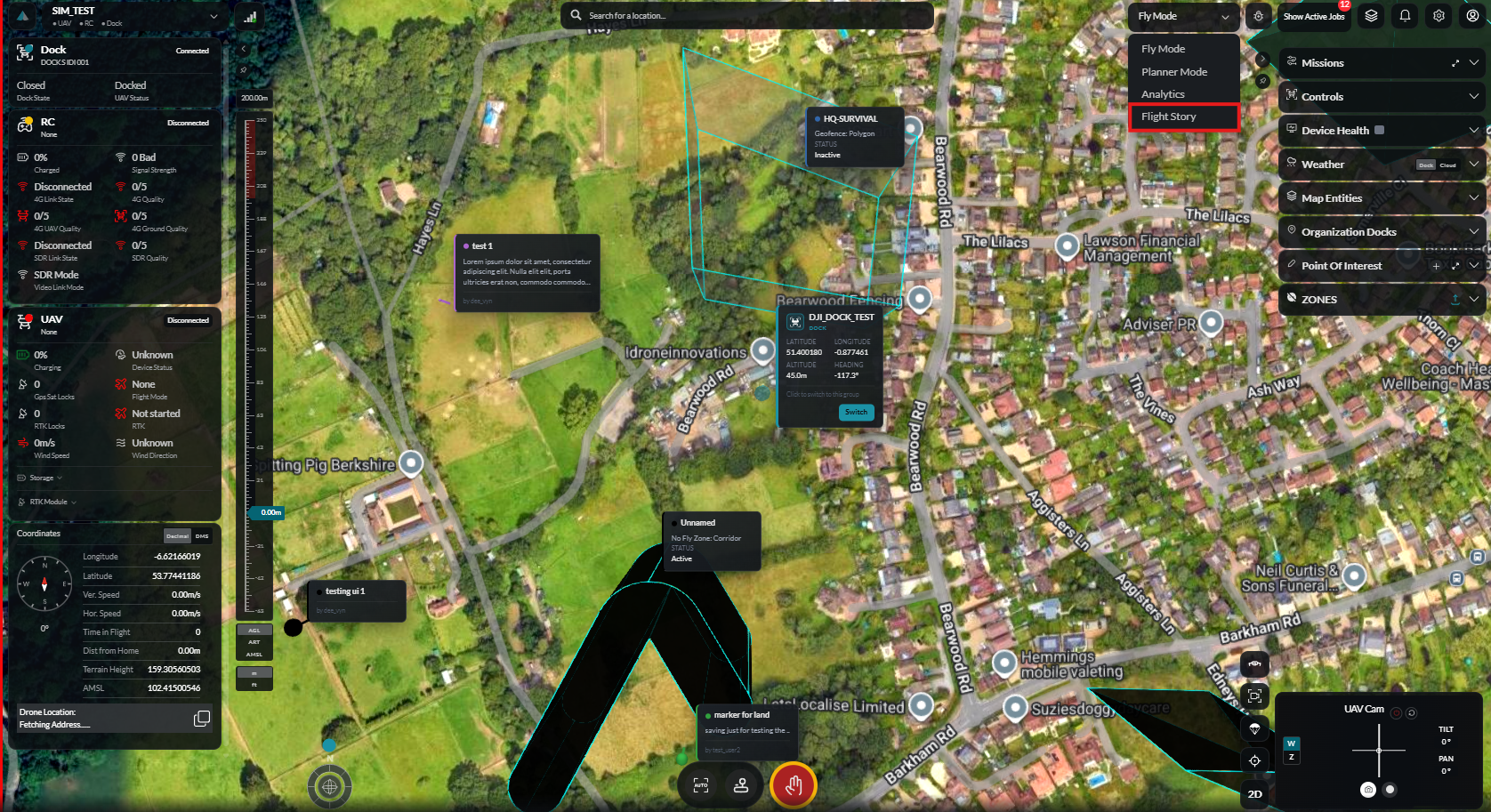
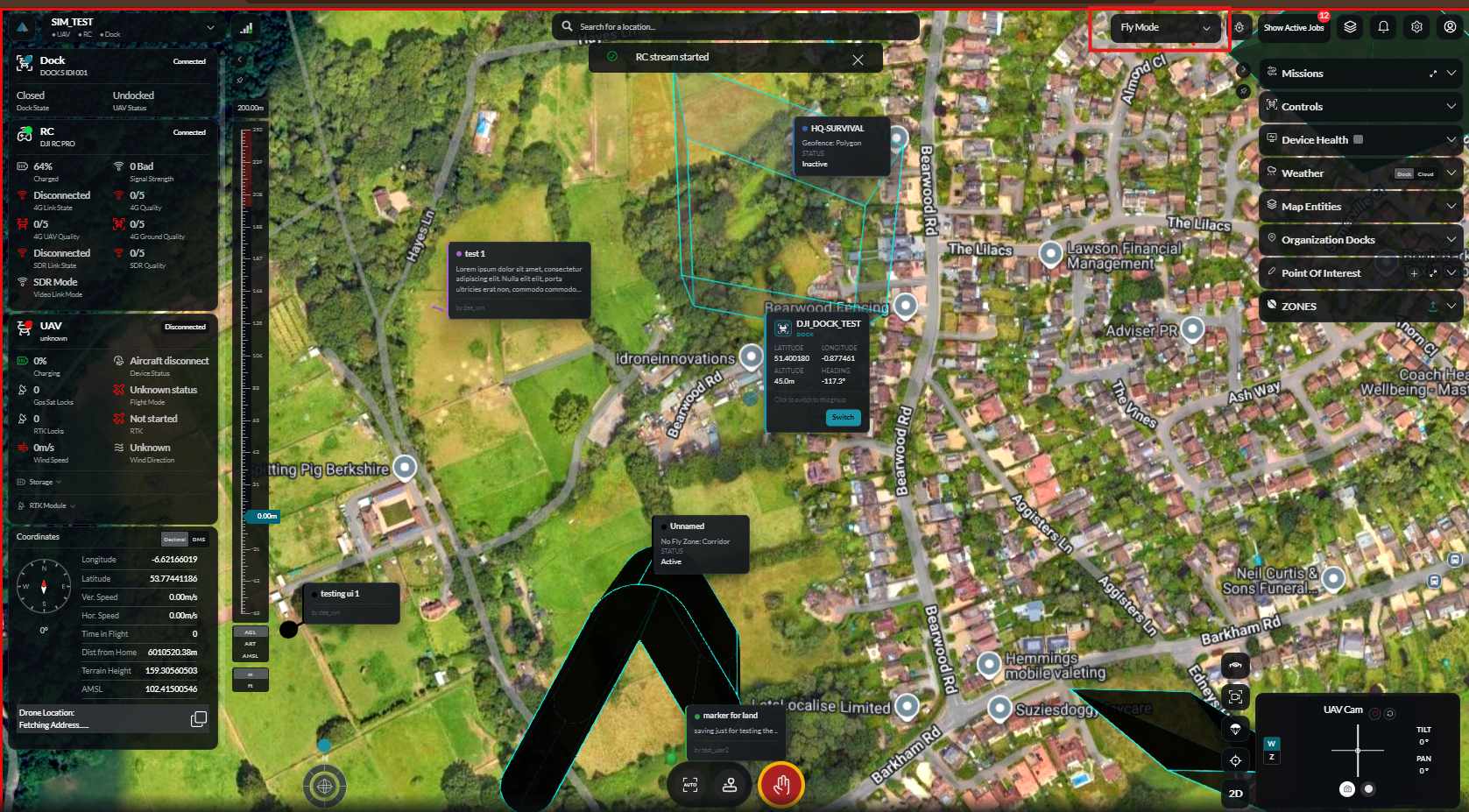
- Navigate to Flight Story from the main menu
- Browse the flight list
- Select a flight to review
From Analytics
- Click on a specific flight in Analytics
- Select View in Flight Story
Flight List
List View
Browse all recorded flights:
| Column | Description |
|---|---|
| Date/Time | When the flight occurred |
| Duration | Total flight time |
| Device | Aircraft used |
| Pilot | Operator who conducted the flight |
| Distance | Total distance traveled |
| Status | Completed, interrupted, etc. |
Filtering
Filter flights by:
- Date range
- Device
- Pilot
- Duration range
- Status
Sorting
Sort by:
- Date (newest/oldest)
- Duration (longest/shortest)
- Distance (furthest/nearest)
Search
Search for flights by:
- Flight ID
- Device name
- Pilot name
- Date
Flight Playback
Starting Playback
- Select a flight from the list
- Click Play or View Flight
- The 3D map loads with the flight path
Playback Controls
| Control | Function |
|---|---|
| Play/Pause | Start or pause playback |
| Speed | Adjust playback speed (0.5x - 4x) |
| Skip Forward | Jump ahead 10 seconds |
| Skip Back | Jump back 10 seconds |
| Restart | Return to beginning |
Timeline
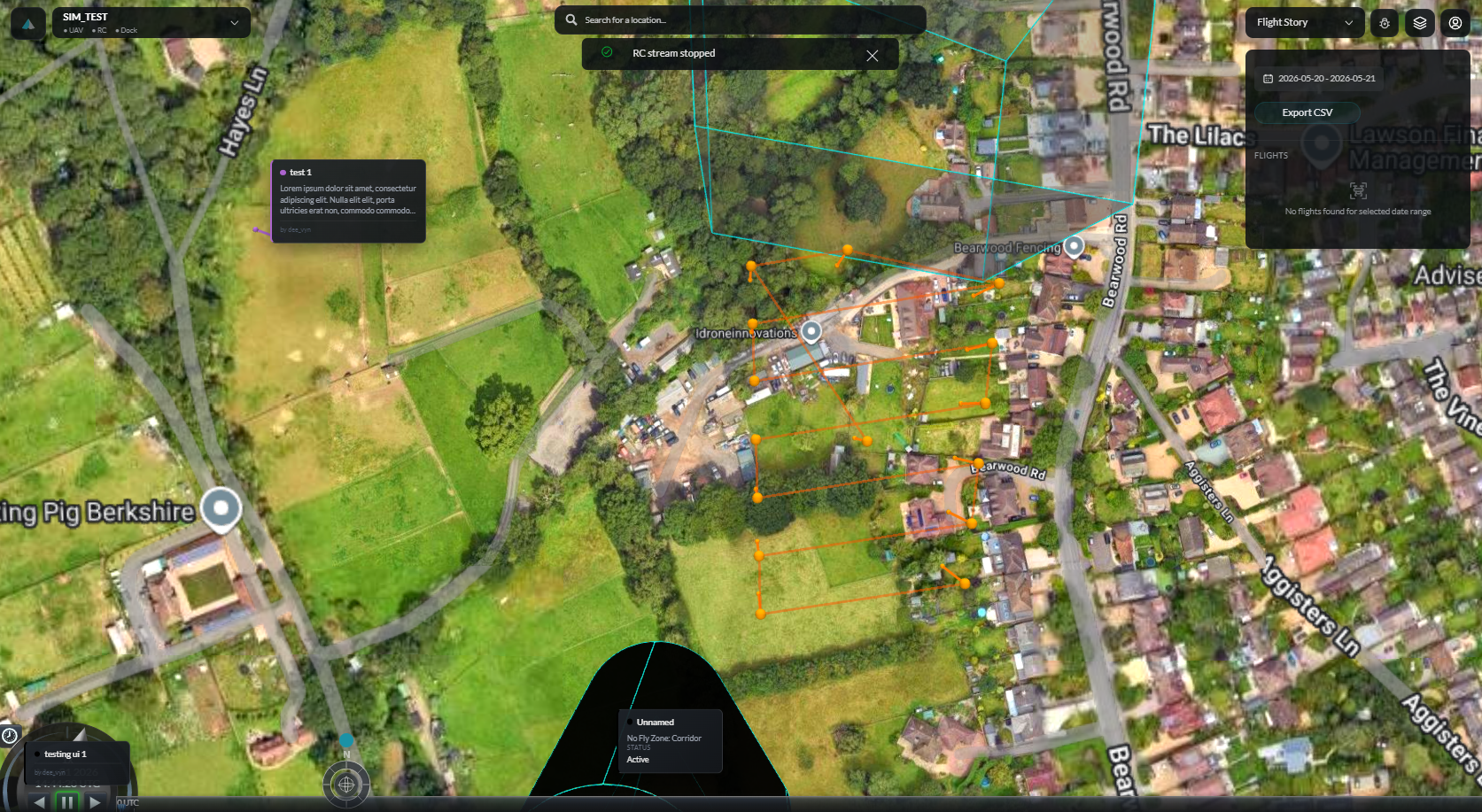
The timeline shows:
- Total flight duration
- Current playback position
- Key events marked
- Click to jump to any point
Path Visualization
Flight Path Display
The recorded flight path is displayed on the 3D map:
- Path Line - Complete trajectory
- Current Position - Drone icon at playback point
- Waypoints - If mission-based flight
- Start/End Points - Takeoff and landing locations
Color Coding
Path colors may indicate:
| Color | Meaning |
|---|---|
| Blue | Normal flight |
| Yellow | Warning state |
| Red | Critical or emergency |
| Green | Automated mission segment |
Path Options
Customize path display:
- Toggle path visibility
- Adjust path width
- Show/hide altitude variation
- Display ground track
Telemetry Review
Available Data
Recorded telemetry includes:
| Data Point | Description |
|---|---|
| Position | Latitude, longitude, altitude |
| Velocity | Speed and direction |
| Attitude | Pitch, roll, yaw angles |
| Battery | Voltage and percentage |
| Signal | RC and video link quality |
| GPS | Satellite count and accuracy |
Telemetry Display
View telemetry as:
- Live Panel - Updates during playback
- Graph - Time-series visualization
- Data Table - Raw values at any point
Graph Analysis
Create graphs of telemetry data:
- Select data series to display
- Adjust time range
- Zoom and pan to analyze
- Compare multiple data points
Event Markers
Automatic Events
System-detected events:
| Event | Description |
|---|---|
| Takeoff | Aircraft left ground |
| Landing | Aircraft touched down |
| Mode Change | Flight mode switched |
| Low Battery | Battery warning triggered |
| Connection Lost | Signal interruption |
| Photo Captured | Camera triggered |
| Recording Start/Stop | Video recording events |
Manual Annotations
Add your own notes:
- Pause at desired point
- Click Add Note
- Enter annotation text
- Save
Map Controls
Camera Views
| View | Description |
|---|---|
| Follow | Camera follows drone during playback |
| Free | Manual camera control |
| Top Down | Overhead view |
| First Person | Simulated drone perspective |
Map Layers
Toggle display of:
- Satellite imagery
- Terrain
- Airspace
- Points of interest
Exporting Flight Data
Export Options
| Format | Contents |
|---|---|
| KML/KMZ | Flight path for Google Earth |
| GPX | GPS track data |
| CSV | Full telemetry data |
| Flight summary report |
Export Process
- Select flight(s) to export
- Click Export
- Choose format
- Configure options
- Download file
Sharing Flights
Share Options
Share flight data with:
- Team members
- External stakeholders
- Clients
Share Methods
- Link - Shareable URL (if permissions allow)
- Export - Send file directly
- Report - Generate shareable PDF
Best Practices
Flight Review
- Review flights after each operation
- Note any anomalies or issues
- Use for training and improvement
Data Management
- Export important flights for backup
- Archive old data periodically
- Maintain organized naming conventions
Analysis
- Compare similar flights
- Identify performance patterns
- Track improvement over time
Troubleshooting
Flight Not Appearing
- Check date range filter
- Verify device filter settings
- Ensure flight was properly recorded
Playback Issues
- Refresh the page
- Check internet connection
- Try different browser
Export Failures
- Reduce data range
- Try different format
- Check available disk space